- Help centre
- Account and projects
- Delete a project
Account and projects
Delete a project
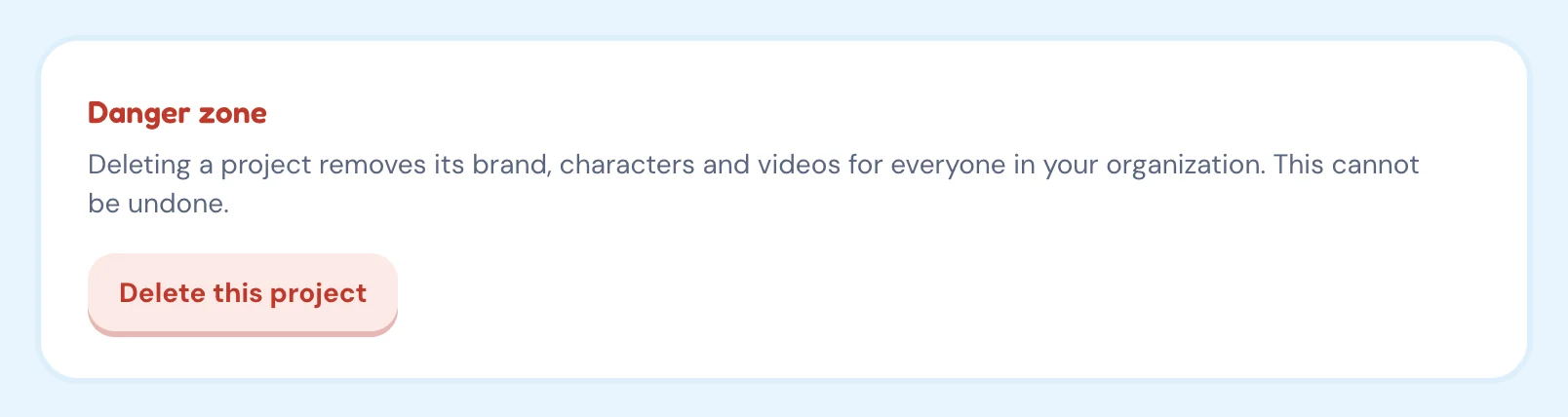
Delete a project from its Settings page under "Danger zone". This removes its brand, characters and videos for your whole account and cannot be undone, so download anything you want to keep first.
How do I remove a company from my account?
Delete its project from the project’s Settings page.
- Open the project you want to remove.
- Click Settings in the left sidebar.
- In the Danger zone card, click Delete this project and confirm.
Deleting a project neither refunds nor consumes credits.