- Help centre
- Getting started
- How it works, from website to video
Getting started
How it works, from website to video
Enter your website, sign in with Google or Microsoft, review the Director's Guide GetReelCom drafted, pick your cast, write a scene, approve the still frame, choose a format and generate the video.
How does GetReelCom work from website to final video?
The whole flow is ten steps, and the first three are done once per company:
- Enter your company website address on getreelcom.com, or sign in at app.getreelcom.com and choose Start from your website.
- Sign in with a Google or Microsoft account.
- Review the Director’s Guide GetReelCom drafted from your site. It lives in the left sidebar as Brand, Products, Audience, Characters and Venues.
- Add image links where they help: a Photo URL for a product, a venue or a person, a Logo URL for the brand.
- Click New video and choose who is in it, and if you have more than one saved, which audience, product and venue.
- Write what should happen, and optionally the narration. Suggest a video drafts both for you.
- Click Save & draw the frame to render the still preview. Approve it, or rewrite and draw again.
- Optionally generate an avatar for each character, so they keep the same face in every video.
- Choose Landscape (16:9) or Portrait (9:16) before the frame is drawn. The format is fixed once the frame exists.
- Generate the video, then download it and use it.
What happens automatically and what do I need to review myself?
GetReelCom automatically reads your public website pages and drafts your company description, colours, logo, a style reference image, your products, audiences and venues, and a first cast: the real people named on your site, plus invented customer personas. For team members it found with a photo, it also draws their avatars straight away, up to three, as your credits allow.
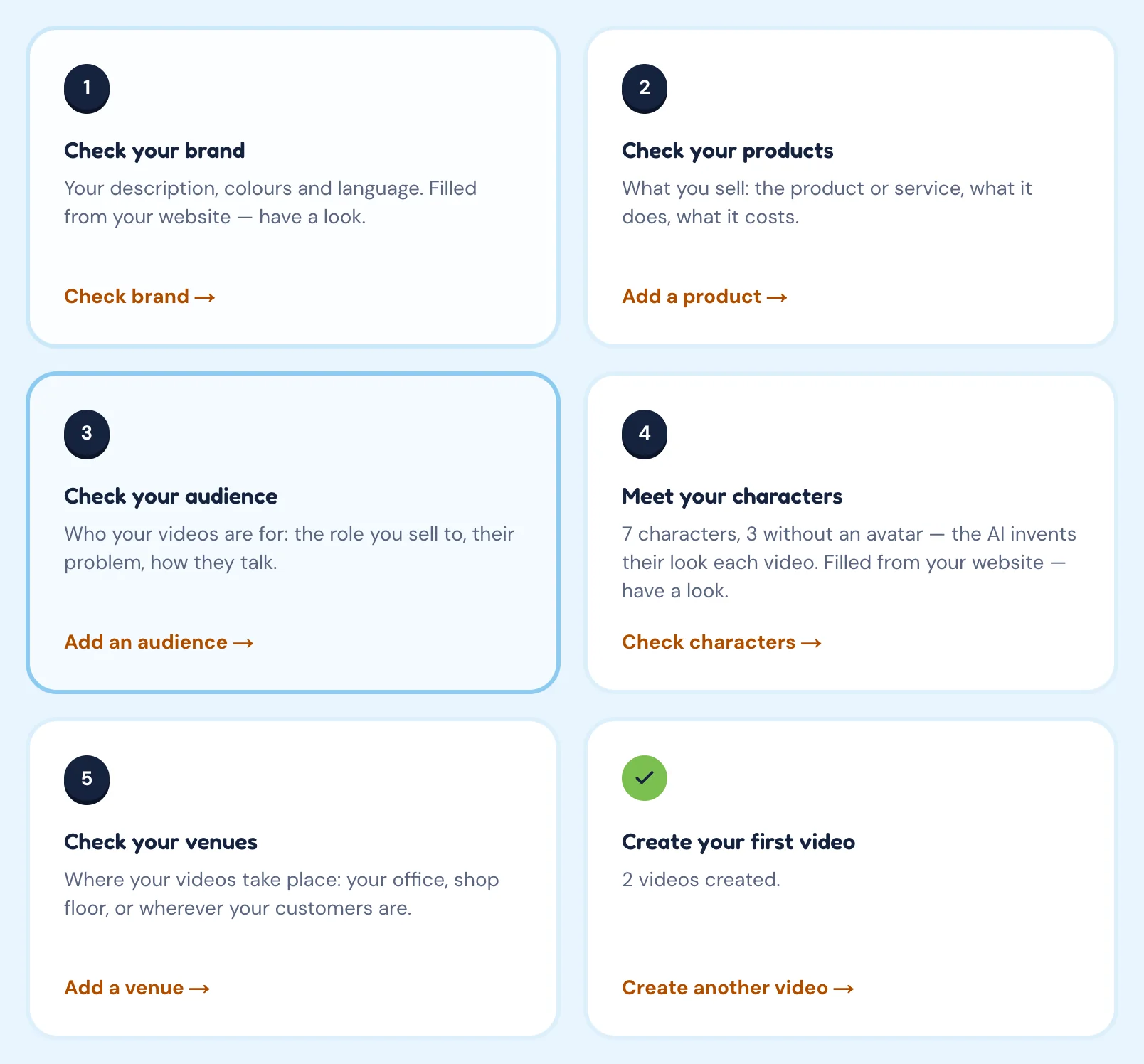
You should review all of it before your first video. The Overview page shows a checklist for exactly this: Check your brand, Check your products, Check your audience, Meet your characters, Check your venues. Automatic reading can miss or misjudge details, and every video is written from whatever is saved at that moment.
Your corrections are safe. If your website is read again later, the new values only fill fields that are still empty; anything you typed stays.