- Help centre
- Reading your website
- Fix incorrect or missing information
Reading your website
Fix incorrect or missing information
Correct a wrong field by typing into it; it saves as you go and a later re-read never overwrites it. Add what is missing with the "Add" controls. Nothing blocks you if your site could not be read.
What should I do if the information is incorrect?
Correct it directly in the tab where it lives. Edits save as you type and take priority over anything read from your website, now and later.
- Open Brand, Products, Audience, Characters or Venues, whichever holds the wrong field.
- Click into the field and type the correct information. There is no save button.
If your website is read again afterwards, the new values only land in fields that are still empty. What you typed stays.
What should I do if information is missing?
Add it yourself in the relevant tab. Empty sections show an Add control (Add a product, Add a venue, Add a character, Add another audience). Adding text never uses credits; only image generation does.
What happens if my website cannot be analyzed correctly?
Nothing blocks you. When GetReelCom cannot find something (a thin site, no logo, unclear colours) it leaves that field empty for you to fill in by hand. If the import fails altogether, the Overview says “Could not import that website. Try again, or set up the brand manually”, and both options are right there.
Do I need to review all automatically generated information?
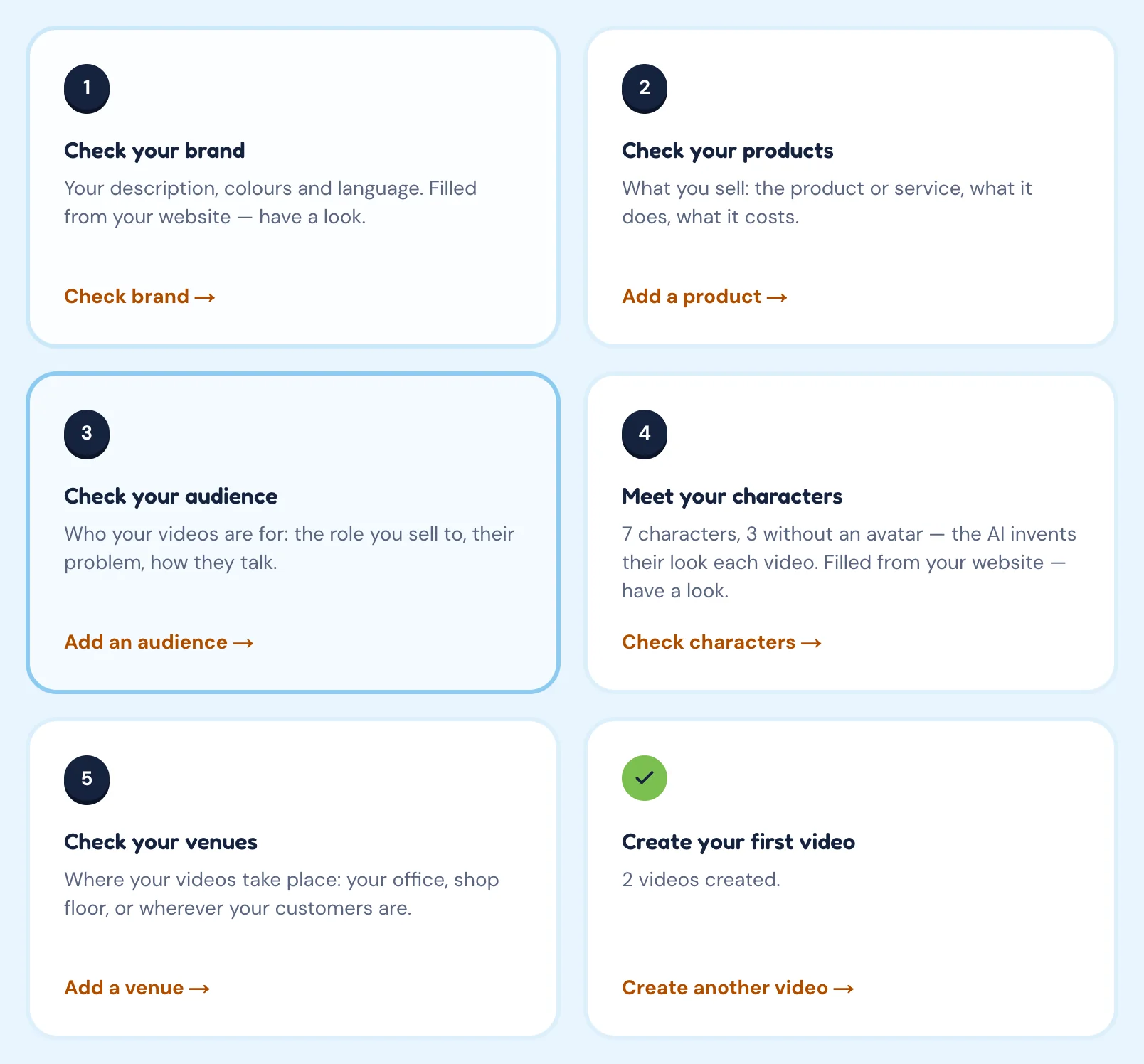
You are not forced to, but you should. Every video is written from what is saved in the project at that moment, so an unreviewed mistake carries straight into your scenes. The Overview checklist (Check your brand, Check your products, Check your audience, Meet your characters, Check your venues) exists to make this a two-minute job before your first video.
Common problems
My website was not analyzed correctly. Fill in or correct whatever was left blank or read wrongly in the five tabs. Whatever GetReelCom cannot find you add by hand, and anything it guessed wrong is a quick correction, not a redo.
The company information is incorrect. Open the Brand tab and fix the specific field: Name, Short description, colours, Sector, and so on. The correction is kept even if the site is read again.
I started manually and now want to import the website after all. As long as the Check your brand step on the Overview is not ticked yet, the Overview shows a Start from your website card: enter the address and click Import. Fields you already filled in are kept.