- Help centre
- Account and projects
- Sign in with Google or Microsoft
Account and projects
Sign in with Google or Microsoft
A GetReelCom account is created by signing in with an existing Google or Microsoft account. There is no email-and-password form and no confirmation email. Sign-up grants 40 free credits, no card needed.
How do I create a GetReelCom account?
You create an account by signing in with a Google or Microsoft account you already have. The first sign-in creates your GetReelCom account; there is no separate registration form.
- Go to app.getreelcom.com, or click Create your free company video on getreelcom.com.
- Click Sign in with Google or Sign in with Microsoft.
- Choose your account and approve what Google or Microsoft asks for.
- Tick I agree to the Terms of Service on behalf of my organisation.
- Answer three short questions: your role, your industry and your company size. They personalise the product and are not shown again; you can change them later under Settings.
Signing up puts 40 free credits on the account. No card is asked for.
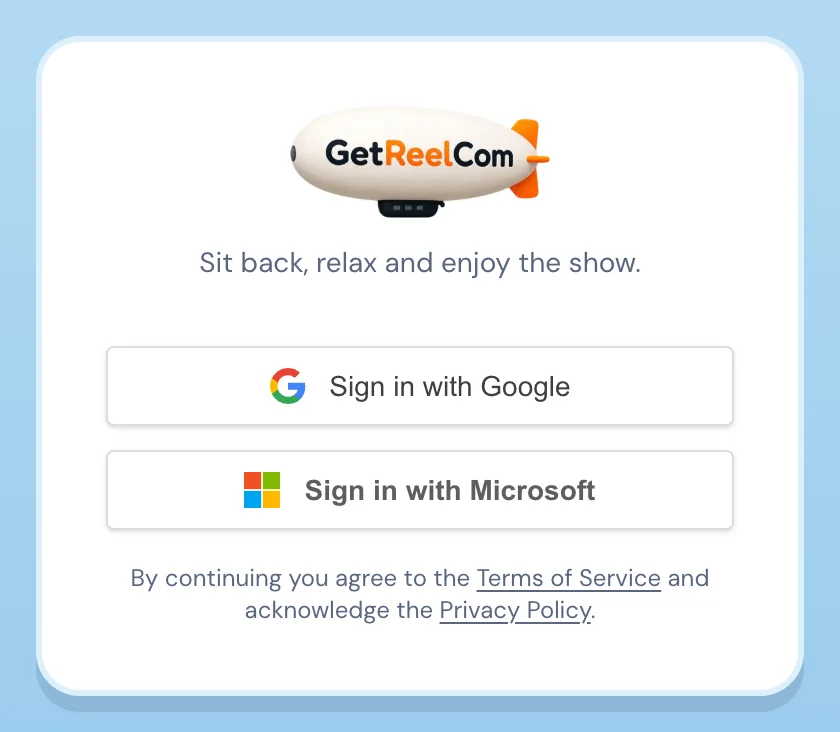
Can I sign up with Google?
Yes. Sign in with Google is one of the two options on the sign-in screen, and it works for personal Gmail accounts as well as Google Workspace accounts.
Can I sign up with Microsoft?
Yes. Sign in with Microsoft is the other option, and it works for personal Microsoft accounts as well as Microsoft 365 work accounts.
Can I use another email address?
Any email address that belongs to a Google or Microsoft account works. GetReelCom does not offer an email-and-password sign-up, so an address that is not backed by one of those two cannot sign in directly.
What happens after I create an account?
After the terms and the three questions you land on Your projects with 40 credits on the account. From there you add your first company, either from its website or manually. See Add a company project.
Common problems
I cannot log in. Use the same provider and the same account you signed up with. Signing in with a different Google or Microsoft identity creates a new, empty GetReelCom account rather than opening your existing one. If the Google or Microsoft sign-in itself fails, the problem is usually with that account’s session; sign out of it in your browser and try again.
I did not receive a confirmation email. There is none. Sign-in completes in the browser through Google or Microsoft, so nothing is sent to your inbox. If you are back on the sign-in screen after approving, try once more in the same browser tab.