- Help centre
- Making a video
- The preview frame
Making a video
The preview frame
The preview frame is one still image drawn from your scene before the video is made. It costs 1 credit, takes about 30 seconds, and you can redraw it as often as you like. The video is only made from a frame you approved.
What is the preview frame?
The preview frame is a single still image GetReelCom draws from your scene text before making the video. On a finished video’s page it is shown under First frame: the still the video was generated from. Drawing it costs 1 credit and takes about 30 seconds.
Why does GetReelCom create an image before generating the video?
So you can check and correct the picture before paying for motion. The still is the cheap step on purpose: rewrite and redraw until the frame is right, and you never pay for a video from a frame you have not approved.
What does the preview frame show?
One still of the scene: the selected characters, the venue, the product if there is one, composed the way What should happen? describes. Its people, setting and framing carry through into the video.
How is the preview frame based on the script?
It is drawn directly from the What should happen? text and your selections. Change the text and draw again, and you get a different frame.
How is the preview frame based on the Director’s Guide?
It uses the selected characters’ avatars or descriptions, the venue’s photo or description, the product’s photo, and the project’s brand colours and style reference image.
How many credits does creating a preview frame use?
One credit per frame, shown on the button itself: Save & draw the frame · 1 credit on the New video screen, Draw the frame · 1 credit and Redraw the frame · 1 credit on the video page.
Can I generate the preview frame again?
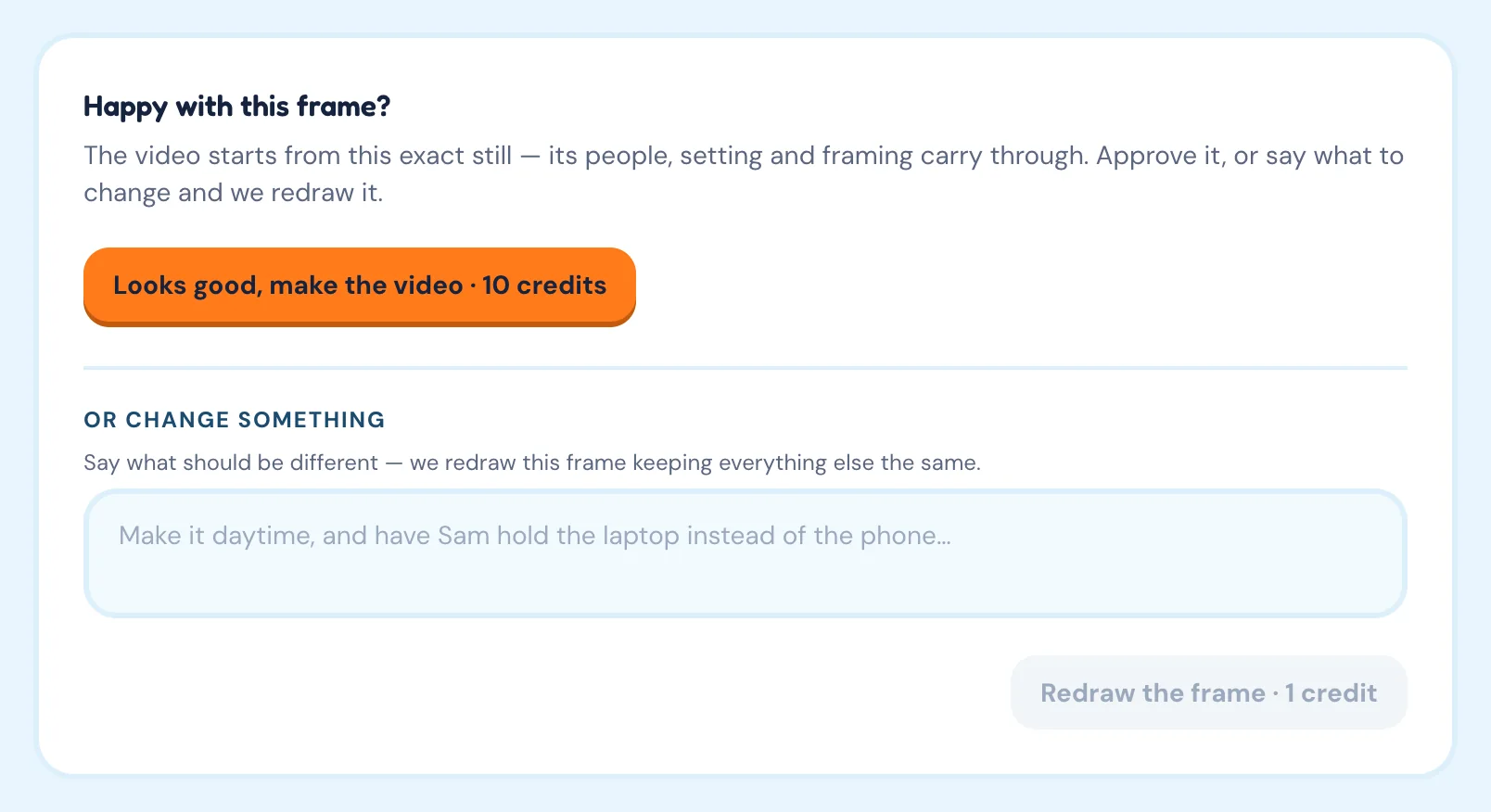
Yes, as often as you like. On the video page, under Or change something, say what should be different, for example “Make it daytime, and have Sam hold the laptop instead of the phone”, and click Redraw the frame. The frame is redrawn from your feedback, keeping everything else the same. Earlier frames stay listed under Previous frames.
What should I do if the preview frame is not accurate?
Write the change you want under Or change something and redraw, or go back and make the scene text more specific. Check the selected characters, venue and product and their saved photos too. Each redraw costs 1 credit.
Can I change the character, venue, product, or service in the preview frame?
Not on an existing video: its cast, setting and product are fixed with the first frame. Create a new video with different selections instead. Before the first frame is drawn, you can still change anything on the New video screen.
How do I know when the preview frame is ready to approve?
When it shows the right people, the right place and the action you described, and nothing in it would embarrass you in motion. Details you fix now are fixed in the video too.
What does approving the preview frame mean?
Clicking Looks good, make the video · 10 credits commits to animating that exact still. The video is rendered from it in about a minute. If the video generation fails, the 10 credits are released, not charged. See Generate the video.