- Help centre
- Your Director's Guide
- Brand colours, logo and style
Your Director's Guide
Brand colours, logo and style
On the Brand tab you set a Primary, Secondary and Accent colour, a Logo URL and an optional Style reference image. Every video in the project uses them, and each project has its own.
Which branding details can I configure?
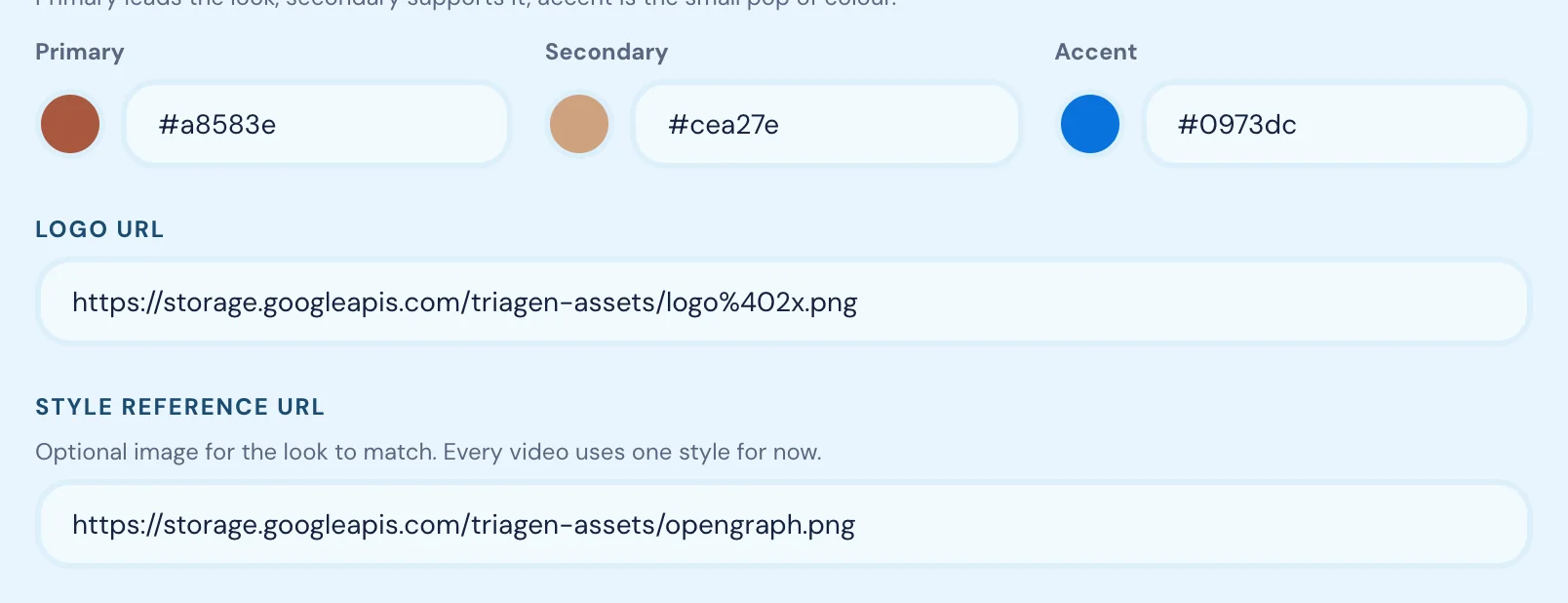
On the Brand tab: three colours (Primary, Secondary, Accent), a Logo URL and a Style reference URL, an optional image whose look every video matches. Every video in the project uses one style. Language also shapes the brand: video names and narration are written in it.
Can I add my brand colors?
Yes. The Brand tab has three colour fields, each with a swatch and a hex code: Primary leads the look, Secondary supports it, and Accent is the small pop of colour. They are usually read from your website; correct them if the import picked the wrong ones.
Can I add my logo?
Yes, through the Logo URL field: a direct link to your logo image file rather than an upload.
- Open Brand in the left sidebar.
- Find your logo on your website, right-click it and choose Copy image address (Chrome) or Copy Image Link (Safari).
- Paste the link into Logo URL.
The link must point straight to the image file, not to a page that shows it. See Add an image URL.
How do I add my tone of voice?
There is no field called “tone of voice”. Tone comes through your Short and Long description, your Brand values, each audience’s Language style field, and each character’s Always and Never instructions. Write those the way you want your videos to sound.
How do I add my brand values?
In the Brand values field, comma-separated, for example “transparent, down-to-earth, ambitious”.
How do I make sure the video matches my brand?
Keep the colours, Logo URL and Style reference URL filled in and accurate, and keep Short description, Long description and Brand values current. These are what the AI draws on when it writes and renders every video. For the closest match, add a Style reference URL: one image in the visual style you want.
What happens if I do not add any branding information?
GetReelCom still generates a video, using what it read from your website, or generic defaults where that is missing too. Expect a less recognisable result.
Can I use different branding settings for different brands?
Yes. Each project has its own Brand tab, so different colours, descriptions, logos and styles for each company or brand you manage. Create one project per brand.